
About Bitrise
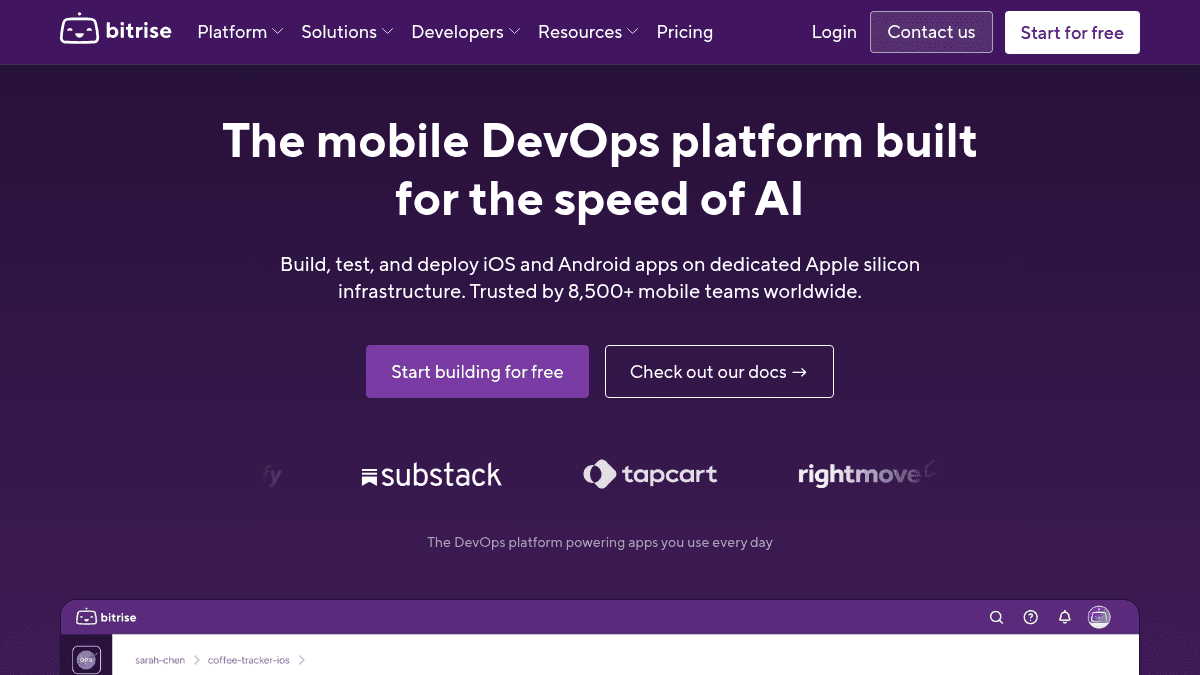
Overview Bitrise is a mobile DevOps platform purpose-built for iOS and Android development teams. It provides continuous integration, automated testing, and deployment workflows so mobile engineers can ship apps faster and more reliably. Unlike general-purpose CI/CD tools like Jenkins, GitHub Actions, or CircleCI, Bitrise is vertically integrated for mobile — supporting iOS, Android, Flutter, React Native, Ionic, Cordova, and Unity out of the box. It serves teams from indie developers to enterprise organizations like Shopify, BuzzFeed, and N26. Key Benefits Shopify sped up builds and reduced toolstack by 50% using Bitrise. BuzzFeed ships for mobile 85% faster with Bitrise. N26 achieved a 60% reduction in regression testing time. Maven Clinic cut testing time by 80% and tripled release speed. Substack reduced CI tooling by 75%. Rightmove achieved 83% faster builds across 5,000 releases yearly. How It Works You add your project to Bitrise, configure your workflow using YAML or the visual workflow editor, and select from over 400 pre-built workflow steps. Bitrise then runs your builds, tests, and deployments on fully managed macOS or Linux infrastructure, with remote caching and parallel execution to speed up every stage. Use Cases Mobile engineering teams at enterprises like Shopify use Bitrise to speed up builds and reduce toolstack complexity. Fintech and banking teams use Bitrise for secure, compliant DevOps pipelines. Ecommerce and retail teams rely on Bitrise for fast, reliable mobile app releases. Startups and indie developers use Bitrise for fast mobile CI/CD with minimal setup overhead. Nonprofit and charity organizations get their first year free on Bitrise. React Native teams use CodePush to ship over-the-air updates in minutes. Why Choose This Product Bitrise is best suited for mobile engineering teams of all sizes who want a purpose-built DevOps platform rather than stitching together general-purpose CI tools. The Hobby tier is free forever for solo developers, while Enterprise offers dedicated support, custom SLAs, and self-hosted AWS agents for organizations with strict security requirements.
Bitrise Pros & Cons
- Purpose-built for mobile (iOS, Android, Flutter, React Native)
- Free Hobby tier for solo developers
- Over 400 pre-built workflow steps
- Customer-proven speed improvements (Shopify, BuzzFeed, N26)
- Fully managed macOS and Linux build infrastructure
- Hobby tier limited to a team of one
- Build credits limit on free tier restricts usage
- Enterprise pricing requires contacting sales
Key Features
CI Automation
All plansAutomates builds, tests, and deployment for iOS and Android apps with over 400 pre-built workflow steps.
Build Cache
EnterpriseSpeeds up builds on any platform with fully-managed remote caching, starting at $600/month as an add-on.
Release Management
All plansDistributes builds internally and externally from a single hub with clear visibility into the release journey.
CodePush
Ships React Native over-the-air updates in minutes without going through the app store review process.
Insights
Identifies exactly what is slowing your team down with CI/CD health trends and build diagnostics, starting at $12.50/month.
Bitrise AI
Provides intelligent fixes from context-aware tools to help developers resolve build issues faster.
Remote Dev Environments
Lets teams code, build, and run AI agents in the cloud without local infrastructure.
Build Hub
Provides build infrastructure for GitHub Actions, enabling mobile CI directly from GitHub workflows.
400+ Workflow Steps
Offers over 400 pre-built integration steps including CocoaPods, Codecov, DeployGate, fastlane, and Gradle Runner.
Bitrise Pricing
View full pricing →- Access for a team of one
- Enough build credits for a small project a few times per month
- Support from the Bitrise Community via Slack or Discuss forum
- Unlimited usage with up to 3 concurrent builds
- Space for up to 10 team members and two private apps
- Fully-managed macOS or Linux Medium infrastructure
- Access to M2 Pro Large and Linux Large machines
- Elastic scaling with 10 concurrent builds
- Pay-As-You-Go and Extra Build Capacity options
- Unlimited team members with global access controls
- Enterprise-level SLA and dedicated CSM for 1:1 support
- Dedicated build environment or self-hosted AWS agent
- Access to X Large machine types and Bitrise Build Cache
| Feature | Hobby Free/mo | Starter $89/mo | Pro $200/mo | Enterprise Custom |
|---|---|---|---|---|
| CI Automation | ||||
| Build Cache | ||||
| Release Management |
Pricing extracted from the product website and may change. Check the source for current details.
Frequently asked questions about Bitrise
What makes the Enterprise plan different from the Pro plan?
Enterprise offers an enterprise-level SLA with a dedicated CSM, a dedicated build environment or self-hosted AWS agent, and access to X Large machine types and Bitrise Build Cache for unparalleled build speeds.
What's the difference between Starter and Pro?
Starter is designed for indie developers and small teams with up to 3 concurrent builds and 10 team members. Pro is for growing teams with 10 concurrent builds, access to M2 Pro Large and Linux Large machines, and unlimited team members with global access controls.
What does the Hobby tier include?
The Hobby tier is free forever and includes access for a team of one, enough build credits to build a small project a few times per month, and support from the Bitrise Community via Slack or the Discuss forum.
What's included in the 30-day free trial?
You can start a 30-day free trial and decide on a plan later. You can build for free and purchase your Starter or Pro plan at any time, or reach out for the Enterprise plan.
Is Bitrise free?
Bitrise offers a free plan with optional paid upgrades. See the pricing section for what's included in each tier.
How much does Bitrise cost?
Bitrise offers the following plans: Hobby, Starter, Pro, Enterprise. See the pricing section for what's included in each tier and any per-seat or usage-based costs.