
About Bootstrap Icons
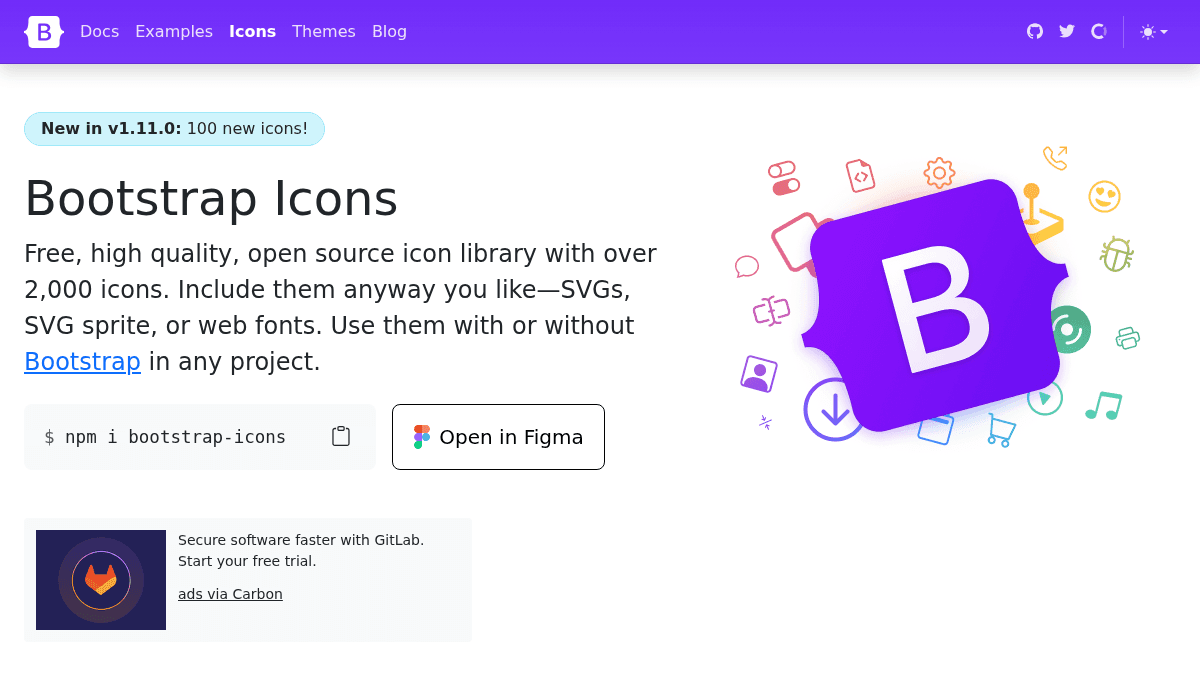
Overview Bootstrap Icons is a free, high quality, open source SVG icon library maintained by the Bootstrap team. It includes over 2,000 SVG icons that developers can use in any web project — with or without Bootstrap itself. The library delivers icons in three formats: individual SVGs, an SVG sprite, and web fonts. Developers install the package via npm and can search, preview, and copy icons directly from the documentation site. A Figma plugin is also available for designers. Key Benefits Free to use for any project — no purchase, subscription, or license fee required. Over 2,000 icons available in the current release (v1.13.1). Open source with public GitHub repository for community contributions and issue tracking. Works standalone in any project, not limited to Bootstrap-based sites. Available as SVGs, SVG sprite, or web fonts to match different development workflows. Figma plugin ships icons directly into design files alongside the development package. How It Works Developers install the package via npm using the command npm i bootstrap-icons , then import the icons as individual SVG files, an SVG sprite, or a web font in their project. Designers open the icon library directly inside Figma using the provided plugin. The documentation site features a search bar where users browse all 2,000+ icons and copy the markup they need. Use Cases Frontend developers building Bootstrap-based sites who need consistent, on-brand SVG icons. UI designers working in Figma who want to prototype with the same icon set that will ship in production. Open source project maintainers looking for a permissively licensed icon library with no attribution requirement. Web developers building projects outside the Bootstrap ecosystem who still want a fast, reliable icon set in SVG or font format. Product teams shipping documentation or marketing pages who need a large, searchable library of vector icons. Why Choose This Product Bootstrap Icons suits developers and designers who want a free, open source icon set with a large collection (over 2,000 icons) and multiple delivery formats. It is best for those already comfortable with Bootstrap's ecosystem or those who want an icon library without licensing costs or attribution obligations. No paid tiers, premium icons, or exclusive design features are advertised; the entire library is free under the MIT license.
Bootstrap Icons Pros & Cons
- Entirely free to download and use
- Over 2,000 icons included
- Available as SVG, SVG sprite, or web fonts
- Works with or without Bootstrap
- Figma plugin available for designers
Key Features
2,000+ SVG icons
Over 2,000 scalable vector icons included in the library.
Three format options
Developers can choose between individual SVG files, SVG sprite, or web font delivery.
npm package install
Install the icon package through npm with the command npm i bootstrap-icons.
Figma integration
Designers browse and use icons directly inside Figma via an official plugin.
Searchable icon browser
A searchable interface on the documentation site lets users find icons by name.
Open source license
The icon set is published under an open source license and hosted on GitHub.
Bootstrap Icons Pricing
Pricing extracted from the product website and may change. Check the source for current details.