About Deckset
Overview Deckset is a presentation tool that turns Markdown text into slide decks automatically. Instead of dragging and arranging slides in traditional tools like PowerPoint or Keynote, users write their content in any text editor and Deckset generates the visual slides. The product is designed for developers, writers, students, and anyone who prefers writing over manual slide design. It handles layout and styling so the user stays focused on content rather than formatting. The app is available for macOS and iOS. Key Benefits Users write in Markdown using their preferred text editor and slides are generated automatically. Available across both macOS and iOS platforms with a companion iOS app. Offers a free trial so prospective users can evaluate before purchasing. Provides dedicated guides for business teams and educators. How It Works You write your presentation content in Markdown inside any text editor you already use. When you open that Markdown file in Deckset, the app renders each slide with a professional design theme and adjusts layout based on your headings, lists, images, and code blocks. Use Cases Software developers who want to write presentation content in Markdown and skip manual slide formatting. University lecturers and professors preparing lecture slides from structured notes. Technical writers and documentation authors converting existing Markdown documentation into presentation format. Startup founders and product managers who need to create clean pitch decks without hiring a designer. Why Choose This Product Deckset suits anyone who already writes in Markdown and wants to spend zero time on slide design. The product is limited to macOS and iOS — there is no web or Windows version — and requires macOS Catalina (10.15) or newer on Mac and iOS/iPadOS 17.0 or newer on mobile
Key Features
Markdown to Slides
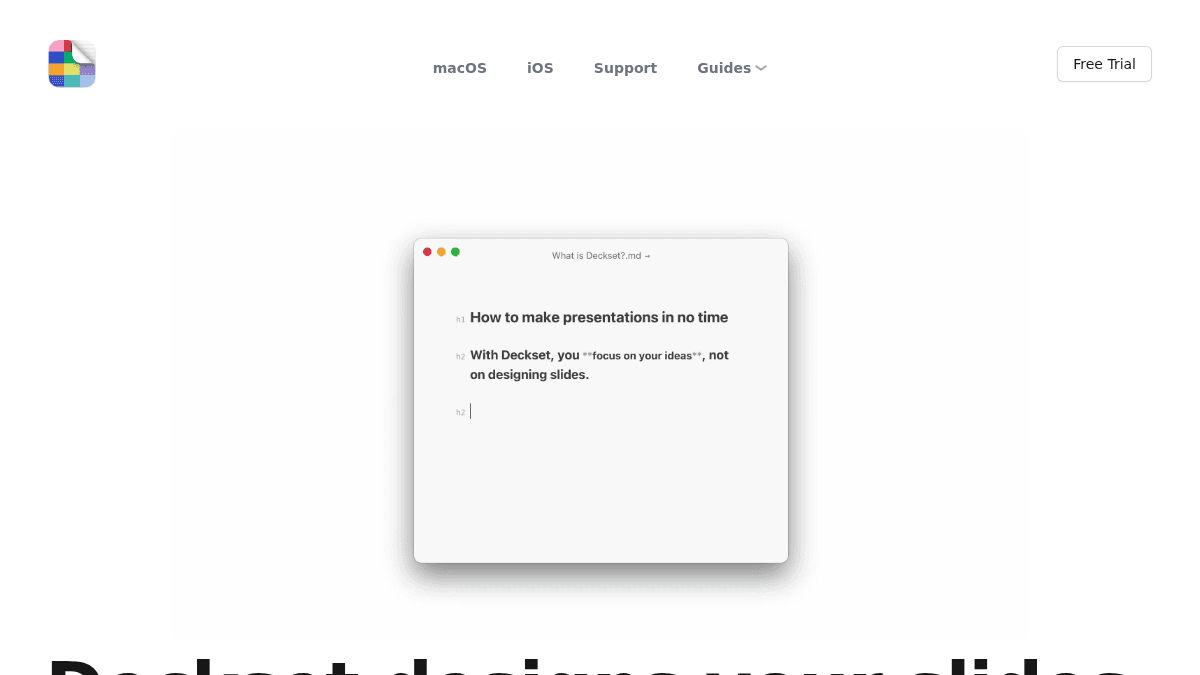
Users write presentation content in Markdown using any text editor, and Deckset renders professional slides automatically.
Automatic Slide Design
Deckset handles slide layout, typography, and visual styling so the user focuses only on content.
macOS and iOS Apps
The app runs on macOS with a companion app available for iOS and iPadOS.
Business Guides
Guidance is published specifically for corporate teams adopting the tool across their organisation.
Educator Resources
Resources tailored for teachers and academics using Deckset in classroom settings.
Deckset Pricing
Pricing extracted from the product website and may change. Check the source for current details.
Frequently asked questions about Deckset
Do I need to know Markdown?
No. You only need a few Markdown basics, and Deckset includes example presentations you can edit.
Can I use notes I have already written?
Yes. Headings create structure, paragraphs and lists become slides, and presenter notes keep the details off the screen.
Does Deckset design every slide for me?
Deckset applies your theme and lays out each slide as you write. You can still choose themes and add precise styling when a presentation calls for it.
Where can I use Deckset?
Deckset is available for Mac, iPhone, and iPad. The Mac app works with your preferred text editor, while the iOS app includes an editor for working directly on the device.
Can Deckset work with AI-generated notes?
Yes. Review and refine an AI-generated outline, then open it in Deckset. The Deckset AI Slide Builder Skill also helps compatible agents produce Deckset-ready presentations.
Is Deckset free?
Deckset is a paid product. See the pricing section for current plans and starting prices.