
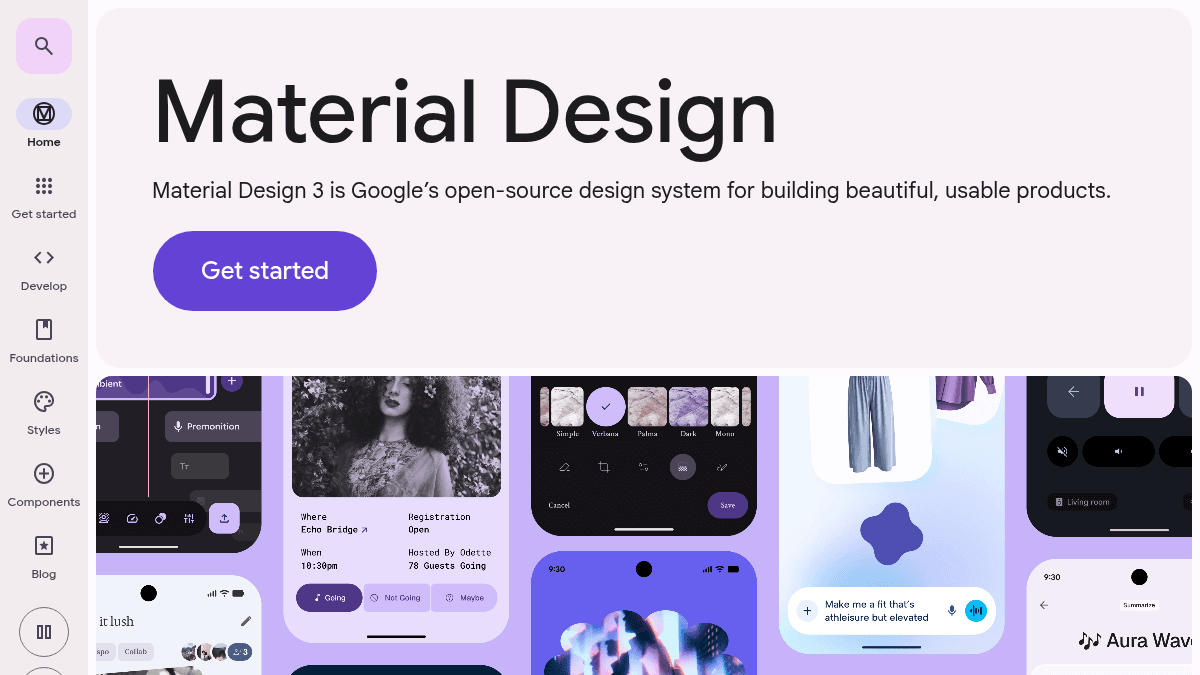
About Material Design
Overview Material Design is an adaptable system of guidelines, components, and tools that support the best practices of user interface design. Backed by open-source code, Material Design helps teams quickly build beautiful digital experiences. It is intended for designers and developers who want to create high-quality user interfaces across platforms. The system covers web, Android, Compose, Flutter, and other frameworks. Key Benefits Provides an adaptable system backed by open-source code Includes guidelines, components, and tools for UI design Supports best practices in user interface design Helps teams build high quality digital products faster How It Works Teams download the open-source code and follow the Material Design guidelines to build user interfaces. Components and tools are available for platforms including Android, Flutter, and web frameworks. Use Cases Design teams building consistent cross-platform UIs with pre-built components and guidelines Android developers creating native app interfaces using Material You theming Flutter developers building responsive and customizable UI components with Material library Web designers and developers building production-ready interfaces with Material Design components Why Choose This Product Material Design is best suited for teams that want an open-source, Google-backed design system with platform-specific libraries for Android, Flutter, and Web. It is free to use and publicly available with no pricing tiers.
Material Design Pros & Cons
- Free and open-source
- Official Google-backed design system
- Multi-platform support (Android, Flutter, Web)
- Comprehensive design guidelines and components
Key Features
Design guidelines
Material Design provides a system of guidelines for user interface design.
Platform components
Pre-built UI components are available for Android, Compose, Flutter, and Web.
Open-source code
The system is backed by open-source code that teams can use freely.
Material You theming
Material You theming enables personalized and adaptive color schemes.
Version migration
Migration from Material Design 1 and 2 to the current version is supported.
Development tools
Tools help teams build and maintain high quality digital experiences.
Material Design Pricing
- Open-source codebase
- Design guidelines and components
- Platform libraries for Android, Flutter, Web
Pricing extracted from the product website and may change. Check the source for current details.
Frequently asked questions about Material Design
Is Material Design free?
Yes — Material Design is free to use. See the pricing section for any optional add-ons.
How much does Material Design cost?
Material Design offers the following plans: Free. See the pricing section for what's included in each tier and any per-seat or usage-based costs.
What platforms does Material Design support?
Material Design is available on: Web, Android.