About Polypane
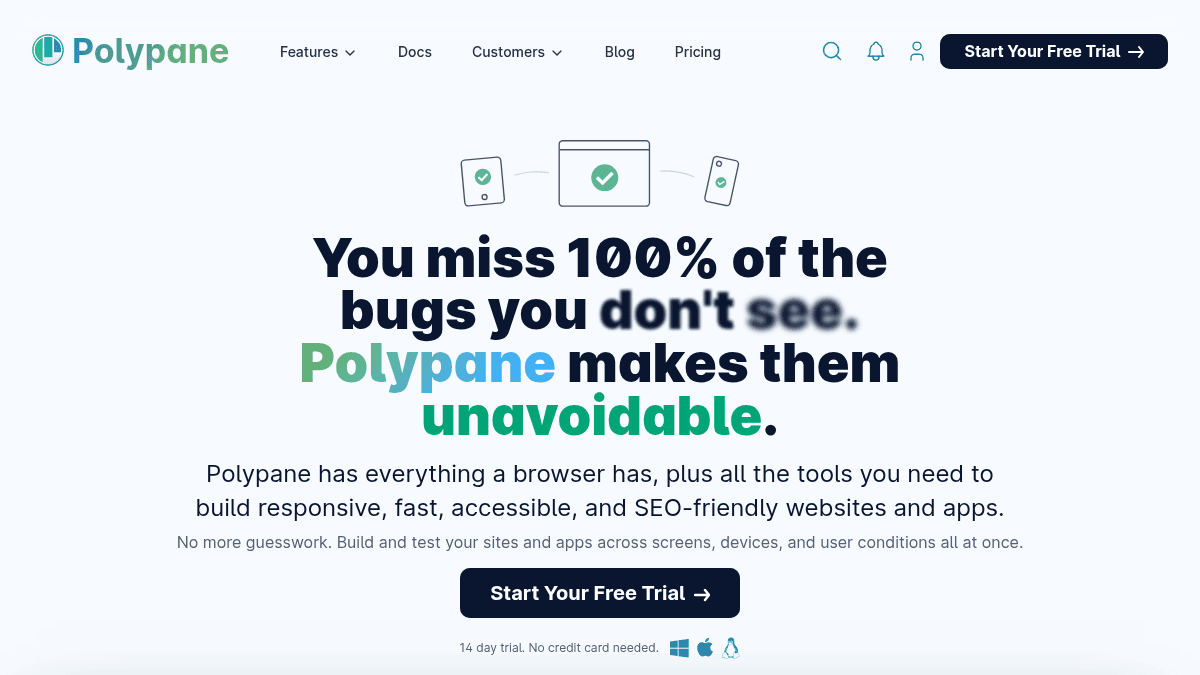
Overview Polypane is a Chromium-based development browser built for professional web developers. It replaces the patchwork of browser dev tools, resizing hacks, and accessibility extensions with a single workspace where you see every breakpoint at once. Instead of switching between viewports manually or dragging browser windows, you work across multiple synchronized panes — from mobile to 5K monitors — and catch layout, accessibility, and performance issues as you code. It is designed for frontend developers, designers, QA engineers, and marketers who need to test sites across devices, browsers, and user conditions without leaving one interface. Key Benefits See and interact with all breakpoints simultaneously with synchronized scrolling and editing. Catch accessibility issues early with built-in contrast checks, focus order overview, and accessibility feature emulation. Preview social media cards, meta tags, and SEO metadata without publishing or using separate tools. Test dark mode, light mode, high contrast, and reduced motion side by side in one view. Edit code once and see changes live across all viewports instantly with live reloading. Use pre-configured panes matching real device resolutions and behaviors for accurate testing. How It Works You open Polypane and add the viewports you need — from mobile to 5K — each displayed in its own pane. As you edit your code, all panes update simultaneously with synchronized scrolling and live reloading. You run built-in accessibility audits, check contrast ratios, preview social media cards, and toggle dark mode or reduced motion across every pane at once, catching issues before they reach production. Use Cases Frontend developers who need to verify responsive layouts across every breakpoint without resizing their browser window. Accessibility specialists auditing contrast ratios, focus order, and ARIA attributes across multiple viewports simultaneously. QA engineers who want to catch visual and functional bugs across devices before they reach production. Freelance web designers testing dark mode, light mode, and high contrast themes side by side for client projects. Marketing teams previewing social media cards, Open Graph tags, and SEO metadata before publishing content. Tailwind CSS developers using integrated tools to verify utility-class-based responsive designs at every breakpoint. Why Choose This Product Polypane is best suited for professional web developers, frontend engineers, and QA teams who need a dedicated browser for building and testing responsive, accessible sites. It replaces the need for multiple browser dev tools, resizing extensions, and separate accessibility checkers. The page does not mention any limitations or caveats about the product itself.
Polypane Pros & Cons
- Multi-viewport synchronized previews from mobile to 5K
- Built-in accessibility auditing tools
- Dark mode, light mode, and high contrast side-by-side testing
- 14-day free trial with no credit card required
- Available on Windows, Mac, and Linux
Key Features
Multi-viewport previews
View and interact with multiple synchronized viewports from mobile to 5K monitors all at once.
Accessibility auditing
Built-in contrast checks, focus order overview, and accessibility feature emulation help catch issues early.
Theme emulation
Test dark mode, light mode, high contrast, and reduced motion side by side across all panes.
Meta & social previews
Preview social media cards, Open Graph tags, and SEO metadata without publishing or using separate tools.
Device realism
Pre-configured panes match real device resolutions and behaviors for accurate cross-device testing.
Live reloading
Edit code and see changes live across all devices and viewports instantly.
Inspect & edit tools
Inspect and edit HTML, CSS, and layout across all screens simultaneously with synchronized scrolling.
Network panel
Inspect network requests and responses directly within the development browser.
Snippet store
Discover, install, and manage code snippets from a built-in store to speed up development.
Polypane Pricing
View full pricing →- Full access to the desktop app
- No credit card needed
- Use alone or with your team
- Onboarding chat support
- Available on Win, Mac and Linux
- For one person
- Personal and commercial use
- Use on 3 personal devices
- Full access to the desktop app
- Frequent updates
- Human email support
- Pause when needed
- Full team (10 users included)
- Use on 3 computers per user
- Full access to the desktop app
- All features
- Human email & chat support
- Priority feature requests
- Manage user access
- Centralized billing
- Starts at 20+ users
- Use on 3 computers per user
- Full access to the desktop app
- Human email & chat support
- Priority feature requests
- Manage user access
- Single sign-on & SCIM
- Training & onboarding
- Supplier portal registration
| Feature | Free trial Free | Individual $9/mo | Business $54/mo | Enterprise Custom |
|---|---|---|---|---|
| Full access to the desktop app | ||||
| No credit card needed | ||||
| Use alone or with your team | ||||
| Onboarding chat support | ||||
| Available on Win, Mac and Linux | ||||
| For one person | ||||
| Personal and commercial use | ||||
| Use on 3 personal devices | ||||
| Frequent updates | ||||
| Human email support | ||||
| Pause when needed | ||||
| Full team (10 users included) | ||||
| Use on 3 computers per user | ||||
| All features | ||||
| Human email & chat support | ||||
| Priority feature requests | ||||
| Manage user access | ||||
| Centralized billing | ||||
| Starts at 20+ users | ||||
| Single sign-on & SCIM | ||||
| Training & onboarding | ||||
| Supplier portal registration |
Estimate based on listed per-seat pricing. Volume discounts and add-ons may apply.
Pricing extracted from the product website and may change. Check the source for current details.
Frequently asked questions about Polypane
Is Polypane free?
Polypane offers a free plan with optional paid upgrades. See the pricing section for what's included in each tier.
How much does Polypane cost?
Polypane offers the following plans: Free trial, Individual, Business, Enterprise. See the pricing section for what's included in each tier and any per-seat or usage-based costs.
What platforms does Polypane support?
Polypane is available on: Web, macOS, Windows, Linux.