
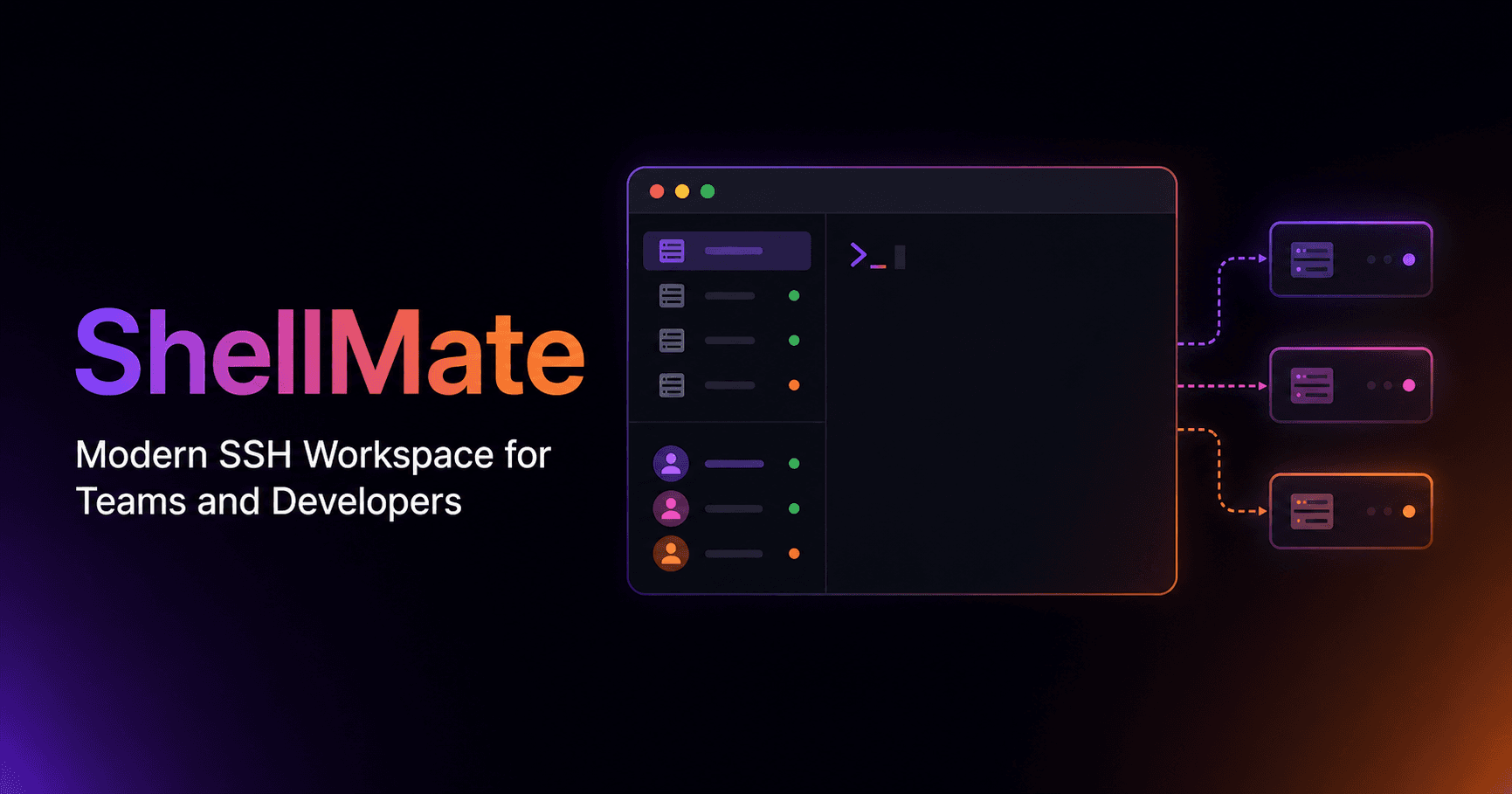
About ShellMate
Overview
ShellMate is a desktop workspace that puts SSH hosts, AWS sessions and infrastructure troubleshooting in one window for developers, DevOps engineers and SRE teams. It runs as a native application on Windows, macOS and Linux and ships as version 3.3.0 with server and application insights, including ECS/Fargate container connections and Sentry error investigations.
Teams import existing SSH entries, group saved hosts with private or shared notes, and run sessions in terminal tabs or split panes. Vault secrets are encrypted on the device with PBKDF2-HMAC-SHA256 key derivation and AES-256-GCM before any sync. Administrators organize members, roles and host groups, then review connection grants and session activity.
Key Benefits
- Connect to SSH hosts, AWS SSM managed instances and running ECS/Fargate containers from a single workspace.
- Keep Vault secrets encrypted on your device before syncing, with trusted-device controls and a 24-word recovery phrase.
- Attach Sentry errors, CloudWatch metrics and GitHub Actions runs as evidence during an investigation.
- Work with Docker containers, SFTP files, processes and Redis caches next to the terminal session.
- Give teammates scoped access through roles and host groups, then review connection grants and session activity.
- Install the same native desktop app on Windows, macOS or Linux.
How It Works
Pick the Windows, macOS or Linux build and follow the setup guide to connect a first authorized host. ShellMate detects existing SSH entries so you can import hosts, choose credentials and save reusable commands as snippets. You then select a host or container, open terminal tabs, and inspect files, containers or services through that same authorized connection. When an incident starts, you attach Sentry, CloudWatch or workflow evidence to the investigation and review proposed changes against the applicable approval controls.
Use Cases
- DevOps engineers move between production, staging and bastion hosts while keeping host context and reusable snippets in one window.
- SRE teams investigate runtime incidents with bounded CloudWatch metrics, ECS logs and service events rather than separate browser tabs.
- Application developers read Sentry errors and their context without opening an SSH session first.
- Platform and security administrators manage client-encrypted Vault secrets, device trust and access revocation from one place.
- Backend engineers inspect Redis caches and edit JSON values, or query MySQL through explicitly configured connections.
- Operations teams on Windows, macOS or Linux use the same native client instead of juggling legacy SSH tools.
Why Choose This Product
ShellMate targets teams that want terminal access, client-side secret handling and incident evidence in the same application. The Vault derives its master key locally with PBKDF2-HMAC-SHA256 at 310,000 iterations and encrypts saved credentials with AES-256-GCM, so the backend never sees Vault items. The vendor also states the boundary plainly: shared cloud integration tokens are encrypted server-side for provider reads and are not zero-knowledge Vault items, and AI features depend on provider access and eligibility.
Pros
- Client-side Vault encryption with PBKDF2-HMAC-SHA256 and AES-256-GCM
- Native desktop app for Windows, macOS and Linux
- SSH, AWS SSM and ECS/Fargate terminals in one workspace
- AI investigations with human policy approval gates
- Built-in Docker, SFTP, process monitor and Redis GUI tools
Cons
- Available host tools depend on the host and your permissions
- AI features require provider access and eligibility
- Cloud integration tokens are encrypted server-side, not zero-knowledge
ShellMate Pros & Cons
- Client-side Vault encryption with PBKDF2-HMAC-SHA256 and AES-256-GCM
- Native desktop app for Windows, macOS and Linux
- SSH, AWS SSM and ECS/Fargate terminals in one workspace
- AI investigations with human policy approval gates
- Built-in Docker, SFTP, process monitor and Redis GUI tools
- Available host tools depend on the host and your permissions
- AI features require provider access and eligibility
- Cloud integration tokens are encrypted server-side, not zero-knowledge
Key Features
SSH, SSM & ECS Terminals
Connect to SSH hosts, AWS SSM managed instances and running ECS/Fargate containers, with terminal tabs and split panes holding each session's host context.
Zero-Knowledge Vault
Encrypt Vault secrets on the device using PBKDF2-HMAC-SHA256 key derivation at 310,000 iterations and AES-256-GCM before any sync.
AI Diagnostics
Ask an operational question, inspect the collected evidence and review proposed changes subject to the applicable human approval controls.
Sentry Investigations
Read application errors and investigate their context without opening an SSH session, keeping the evidence alongside the investigation.
CloudWatch Evidence
Inspect a bounded window of AWS metrics, available ECS logs and service events when investigating a runtime issue.
Docker Manager
Monitor containers and daemon status directly from an authorized SSH connection without leaving the workspace.
SFTP Explorer
Browse, edit and transfer remote files visually beside the terminal session.
Process Monitor
View top resource-consuming processes through an integrated htop-like interface on the connected host.
Redis GUI & JSON Editor
Manage Redis caches and edit JSON values through explicitly configured connections and service credentials.
Team Access Control
Organize members, roles and host groups, give teammates scoped access, and review connection grants and session activity with client-side AES-256-GCM team vault encryption.
ShellMate Pricing
View full pricing →Pricing extracted from the product website and may change. Check the source for current details.
Frequently asked questions about ShellMate
What is ShellMate?
ShellMate is an AI-powered desktop workspace for managing SSH hosts, AWS sessions and infrastructure troubleshooting. It targets developers, DevOps engineers and SRE teams, and combines terminals, file and container tools, encrypted secrets and AI-assisted investigations in one application.
What platforms does ShellMate support?
ShellMate runs as a native desktop application on Windows, macOS and Linux. The vendor describes the app as built for low memory consumption, and you pick your platform during setup before connecting a first authorized host.
Does ShellMate support jump hosts and ProxyJump?
Yes. ShellMate organizes hosts by environment and routes jump-host bastions without extra configuration, and it supports SSH tunnels and documented SSM forwarding workflows.
Which encryption algorithms does ShellMate use?
The client derives a master key with PBKDF2-HMAC-SHA256 at 310,000 iterations inside local WebCrypto memory, then encrypts saved Vault credentials with AES-256-GCM. Team vault payloads also use client-side AES-256-GCM encryption, and a 24-word recovery phrase gives the user sole recovery ownership.
Can ShellMate staff see my SSH keys or passwords?
Saved Vault secrets are encrypted on the client and decrypted locally for authorized desktop use, so the backend has no visibility into them. The vendor notes that shared cloud integration tokens follow a separate boundary: they are encrypted server-side for provider reads and are not zero-knowledge Vault items.
What service plugins are built into ShellMate?
ShellMate includes Docker Manager, Redis GUI with a JSON editor, SFTP Explorer, Process Monitor, plus inspection for PM2, systemd, Nginx, logs and MySQL and Redis connections. Which tools appear for a host depends on that host and your permissions.