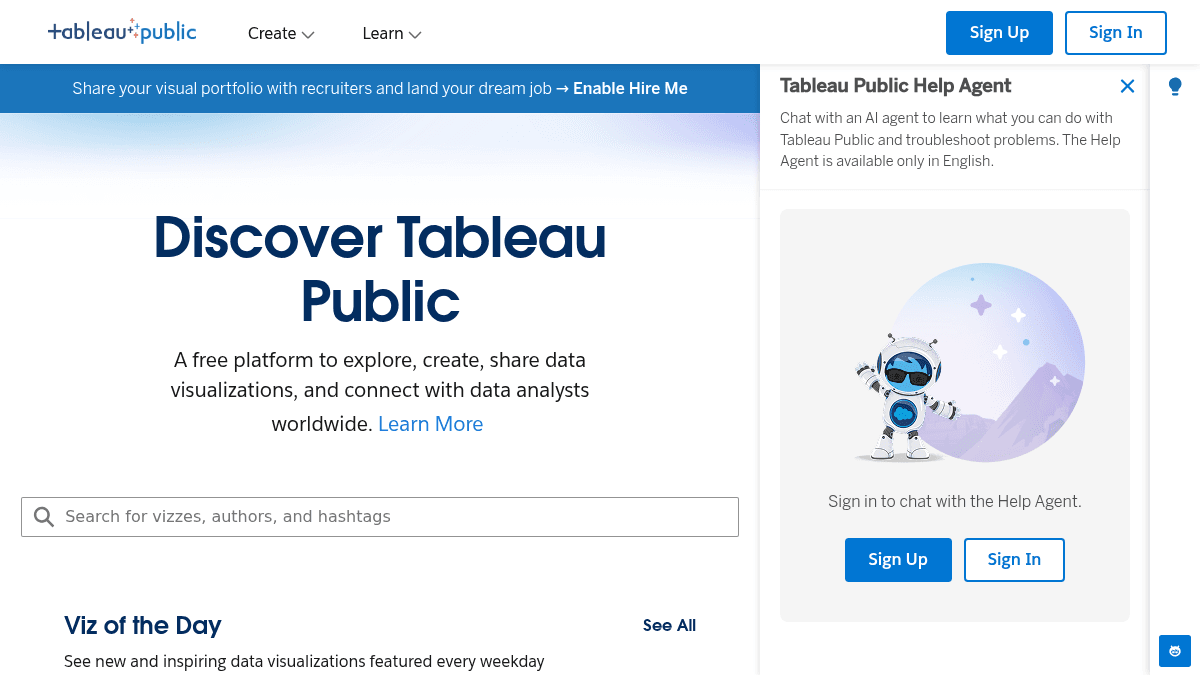
About Tableau Public
Overview Tableau Public is a free data visualization platform that allows anyone to create interactive charts, graphs, maps, and dashboards from data. Users can publish their visualizations publicly on the web and share them with anyone. The platform is designed for data enthusiasts, journalists, students, and analysts who want to explore data and tell stories with interactive visualizations without paying for a license. Unlike Tableau Desktop (which is a paid product), Tableau Public is completely free to use, with the trade-off that all workbooks must be saved to the public web. Key Benefits Free to use with no time limit — create and publish interactive data visualizations at no cost. Publish workbooks to the web and share them via a public URL with anyone. Embed interactive dashboards into blogs, websites, and articles. Access a large gallery of publicly shared data visualizations for inspiration and learning. Download and explore workbooks created by the community to learn from real examples. How It Works You download the Tableau Public desktop application, connect to a data source (Excel, CSV, Google Sheets, or other supported formats), and build visualizations using drag-and-drop tools. When you are ready, you publish the workbook to your Tableau Public profile, which generates a shareable URL and embed code. Use Cases Data journalists — create interactive charts and maps to accompany news stories and embed them directly in articles. University students and professors — visualize research data and share findings publicly with peers and the academic community. Nonprofit analysts — build dashboards to communicate impact metrics to donors and stakeholders. Freelance data analysts — showcase portfolio work publicly to attract clients and demonstrate skills. Government data officers — publish open data dashboards for public transparency and citizen access. Why Choose This Product Tableau Public is best suited for anyone who wants to create and share interactive data visualizations at no cost. The main limitation is that all workbooks must be saved to the public web — there is no private or offline-only option on the free tier. Users who need private dashboards or enterprise-grade data security should consider Tableau Desktop or Tableau Server instead.
Tableau Public Pros & Cons
- Completely free with no time limit
- Publish and share visualizations publicly
- Embed dashboards into websites and articles
- Large community gallery for inspiration
- No license or credit card required
- All workbooks must be saved publicly — no private option
- Limited data source types compared to Tableau Desktop
- Requires JavaScript to view published workbooks
Key Features
Drag-and-drop visualizations
Build interactive charts, graphs, maps, and dashboards by dragging and dropping fields onto a canvas.
Public web publishing
Publish completed workbooks to a public Tableau Public profile with a shareable URL and embed code.
Embed anywhere
Embed interactive dashboards into blogs, news articles, and websites using an iframe embed code.
Community gallery
Browse and download thousands of publicly shared data visualizations created by the Tableau community.
Download workbooks
Download any publicly shared workbook to explore how it was built and learn from real examples.
Data source connections
Connect to Excel, CSV, Google Sheets, and other common data formats to build visualizations.
Tableau Public Pricing
Pricing extracted from the product website and may change. Check the source for current details.