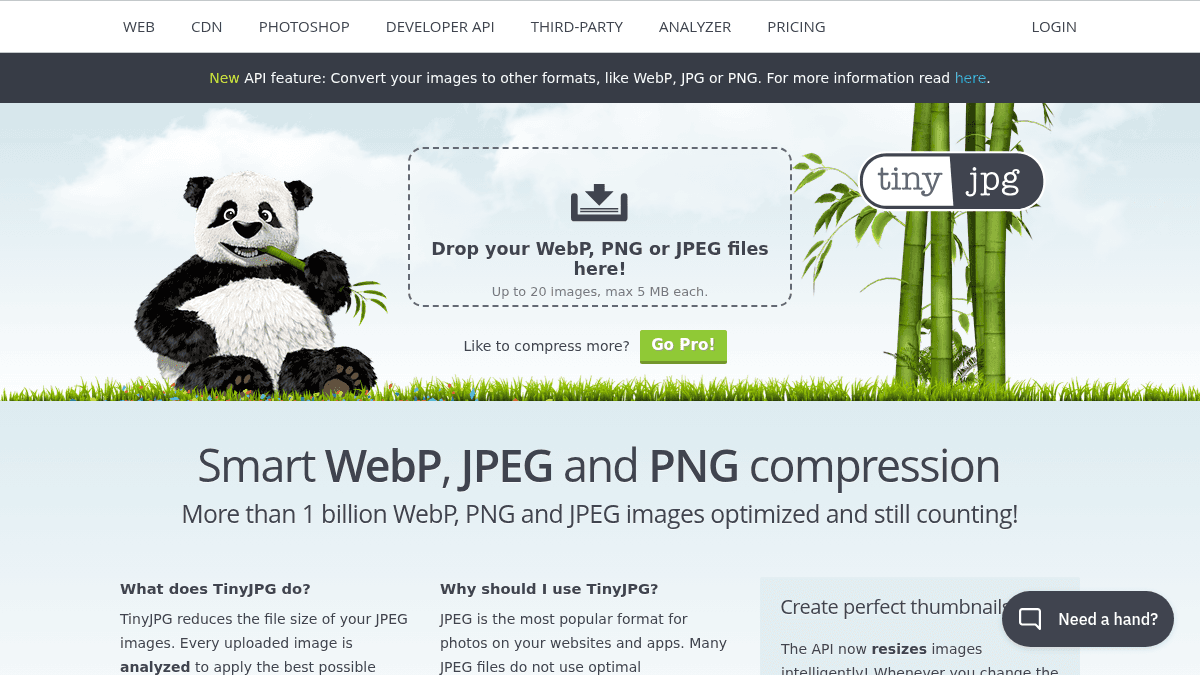
About TinyJPG
Overview TinyJPG is a web-based image compression tool that reduces the file size of JPEG, PNG, and WebP images. Every uploaded image is analyzed to apply the best possible encoding based on its content. Many JPEG files do not use optimal compression, wasting valuable bytes. Balancing quality and small file size used to be a time-consuming task only humans could do. TinyJPG automates this process, giving developers and designers optimized images without manual tuning. Key Benefits Reduces JPEG file size by more than 70% while preserving visual quality. Over 1 billion WebP, PNG and JPEG images optimized and still counting. Trusted by thousands of companies including Samsung, Amazon, Walmart, Electronic Arts, and Bank of America. Smart cropping resizes images intelligently and removes boring bits when aspect ratio changes. Unnecessary metadata is stripped automatically from every compressed image. How It Works You upload a JPEG, PNG, or WebP file to the TinyJPG website. The image is analyzed to identify textures, patterns, and colours, then the encoder creates an optimally compressed file based on that information. The final result is compared with the original and fine-tuned, minimizing distracting JPEG artifacts without big sacrifices in file size, while unnecessary metadata is stripped. Use Cases Web developers optimizing images to reduce page load times and bandwidth usage. E-commerce teams at companies like Amazon and Walmart compressing product photos at scale. Front-end engineers using the Developer API to automate image compression in build pipelines. WordPress site owners using the official plugin to compress uploads automatically. Designers creating thumbnails with smart cropping via the API when aspect ratios change. Why Choose This Product TinyJPG is best suited for web developers, e-commerce teams, and designers who need automated, high-quality image compression without manual tuning. The service is free to try via the web interface, with a Developer API available for programmatic use. The tool requires a modern browser with HTML5 and CSS3 support and is not tested in older browsers.
TinyJPG Pros & Cons
- Reduces file size by over 70%
- Over 1 billion images optimized
- Trusted by major companies like Samsung and Amazon
- Developer API with 6 language libraries
- WordPress plugin and Zapier integration available
Key Features
Smart JPEG compression
Analyzes textures, patterns, and colours to apply the best possible JPEG encoding for each image.
WebP and PNG support
Compresses WebP, PNG, and JPEG images intelligently from a single interface.
Smart cropping
The API resizes images intelligently and removes boring bits when aspect ratio changes.
Developer API
Provides an API with official libraries for Ruby, PHP, Node.js, Python, Java, and .NET.
WordPress plugin
Official WordPress plugin and Zapier beta integration for automated compression workflows.
Format conversion
API can convert images to other formats like WebP, JPG, or PNG.
Page analyzer
A third-party page analyzer tool is available to audit images on existing sites.
Thumbnail creation
API resizes images intelligently and adds background when cut-out images are detected.
TinyJPG Pricing
View full pricing →Pricing extracted from the product website and may change. Check the source for current details.