
About Travis CI
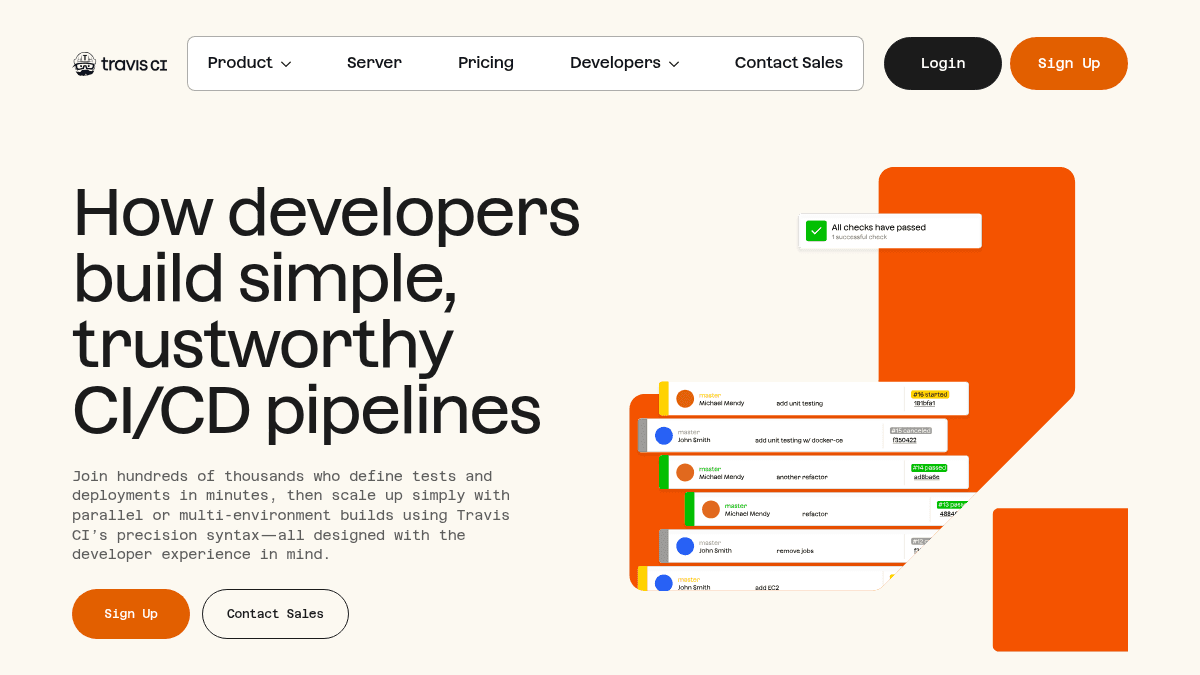
Overview Travis CI is a continuous integration and continuous delivery (CI/CD) tool that lets developers define tests and deployments in minutes. It supports preconfigured environments for multiple programming languages including Python, Java, Node.js, C/C++, PHP, Rust, Go, C#, and Ruby. Unlike tools that require extensive YAML or JSON configuration, Travis CI uses a minimal syntax with up to 50% less configuration code. It is designed for developers who want to build pipelines quickly, run parallel or multi-environment builds, and automate testing and deployment workflows. Key Benefits Build a new CI/CD pipeline in 20 minutes or less with preconfigured language environments. Write up to 50% less YAML or JSON configuration compared to other CI/CD tools. Run parallel builds and multi-environment builds across Linux, FreeBSD, Windows, and macOS. Scale from 1 to 300 concurrent jobs depending on plan. Cache dependencies to speed up build times across runs. Deploy to services like npm directly from your pipeline configuration. How It Works You add a .travis.yml file to your repository defining the language, build matrix, install steps, test script, and deployment targets. Travis CI detects the file, spins up a preconfigured virtual machine for your language and OS, runs your defined commands, and reports results. You can configure parallel job stages, caching, branch-specific builds, and notifications — all from a single configuration file. Use Cases Open-source maintainers run automated test suites across multiple language versions and operating systems for every pull request. DevOps engineers set up multi-stage deployment pipelines that build, test, and deploy to production from a single configuration file. Frontend developers using Node.js run linting, unit tests, and npm package publishing on every tagged release. Data science teams using Python run pytest with coverage reports across Python 3.7, 3.8, and 3.9 in parallel. Enterprise teams deploy Travis CI Server on-premise or in a private cloud for Perforce and Subversion CI/CD with premium support. Why Choose This Product Travis CI is best suited for development teams that want a straightforward, syntax-light CI/CD tool with support for many languages and operating systems. The Server plan is available for teams that need on-premise or private cloud deployment with Perforce and Subversion support. Volume-based discounts are offered for teams with 20 or more users.
Travis CI Pros & Cons
- Build pipelines in 20 minutes or less
- Up to 50% less YAML/JSON configuration
- Preconfigured environments for 10+ languages
- Parallel and multi-environment builds
- On-premise Server option available
- Usage-based pricing with credit limits on lower tier
- Open Source builds limited to partner queues on Usage Based plan
Key Features
Minimal YAML Syntax
Travis CI uses up to 50% less YAML or JSON configuration compared to other CI/CD tools.
Multi-Environment Builds
Run builds across Linux, FreeBSD, Windows, and macOS with parallel job execution.
Preconfigured Language Environments
Supports Python, Java, Node.js, C/C++, PHP, Rust, Go, C#, and Ruby with ready-to-use build environments.
Dependency Caching
Cache pip, npm, Maven, Composer, Cargo, Go modules, and NuGet packages to speed up subsequent builds.
Parallel Job Stages
Define multi-stage pipelines with parallel jobs for linting, testing, coverage, and deployment in a single configuration.
Deployment Automation
Deploy directly to services like npm and other providers from within the build pipeline configuration.
Custom Notifications
Send build status notifications via email or Slack with configurable triggers for success and failure events.
On-Premise Server Option
Deploy Travis CI Server on-premise or in a private cloud with support for Perforce and Subversion CI/CD.
Travis CI Pricing
View full pricing →- 35,000 credits per month included
- 80 concurrent jobs
- Unlimited users (charge per user)
- Unlimited network and storage
- Linux, FreeBSD, Windows standard VMs
- Ask Travis AI Support and Ticket Based Support
- Unlimited build credits for non-premium VMs
- Up to 300 concurrent jobs
- Unlimited users included in price
- Unlimited network and storage
- Linux, FreeBSD, Windows standard VMs
- Premium Support available
- On-Premise or Private Cloud deployment
- Perforce and Subversion CI/CD
- Custom concurrent jobs
- Premium Support Options
- Custom credits, users, network, and storage
| Feature | Usage Based $13.75/mo | Unlimited Plan $72/mo | Server $34/mo |
|---|---|---|---|
| 35,000 credits per month included | |||
| 80 concurrent jobs | |||
| Unlimited users (charge per user) | |||
| Unlimited network and storage | |||
| Linux, FreeBSD, Windows standard VMs | |||
| Ask Travis AI Support and Ticket Based Support | |||
| Unlimited build credits for non-premium VMs | |||
| Up to 300 concurrent jobs | |||
| Unlimited users included in price | |||
| Premium Support available | |||
| On-Premise or Private Cloud deployment | |||
| Perforce and Subversion CI/CD | |||
| Custom concurrent jobs | |||
| Premium Support Options | |||
| Custom credits, users, network, and storage |
Estimate based on listed per-seat pricing. Volume discounts and add-ons may apply.
Pricing extracted from the product website and may change. Check the source for current details.
Frequently asked questions about Travis CI
Is Travis CI free?
Travis CI offers a free plan with optional paid upgrades. See the pricing section for what's included in each tier.
How much does Travis CI cost?
Travis CI offers the following plans: Usage Based, Unlimited Plan, Server. See the pricing section for what's included in each tier and any per-seat or usage-based costs.
What platforms does Travis CI support?
Travis CI is available on: Web, Linux, macOS, Windows.