Results for "AI"
680+ matching results across tools, Boxes, comparisons, alternatives, and categories.
Counts marked + are lower bounds. Search checks the first 1,000 ranked tools before pricing filters and up to 100 matches per other result type. Refine your query to narrow the results.
Tools(527)
View all 527 tools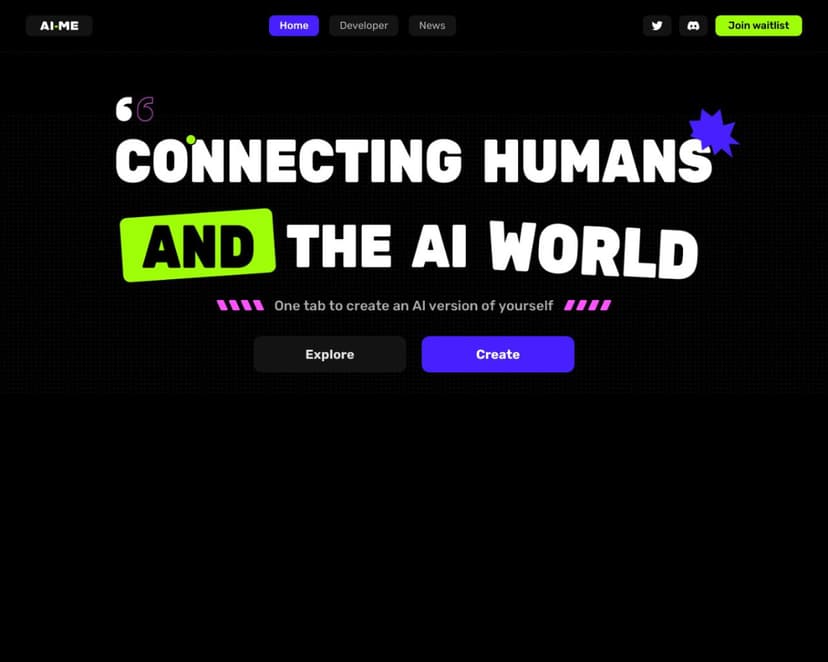
AI-ME is a powerful AI-powered creative assistant that can help you with a variety of tasks AI-ME is an online platform that provides developers with ...
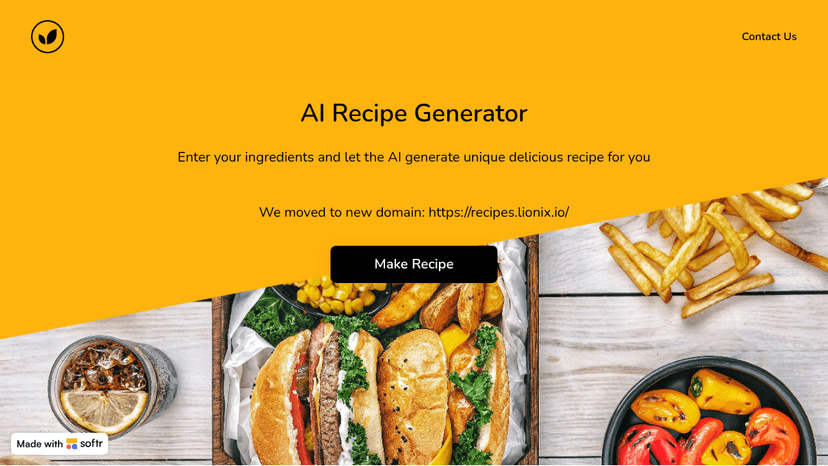
Explore AI Recipes, the ultimate tool for generating personalized meal plans and recipes using AI. Simplify your cooking and discover new dishes effor...
Generate original songs from a prompt, your own lyrics, a hummed melody, or a Vocal hook, then export beats, DJ mixes, and AI music videos ready for c...

AI Anime Generator is a powerful online tool that allows you to create your own anime characters with just a few clicks.
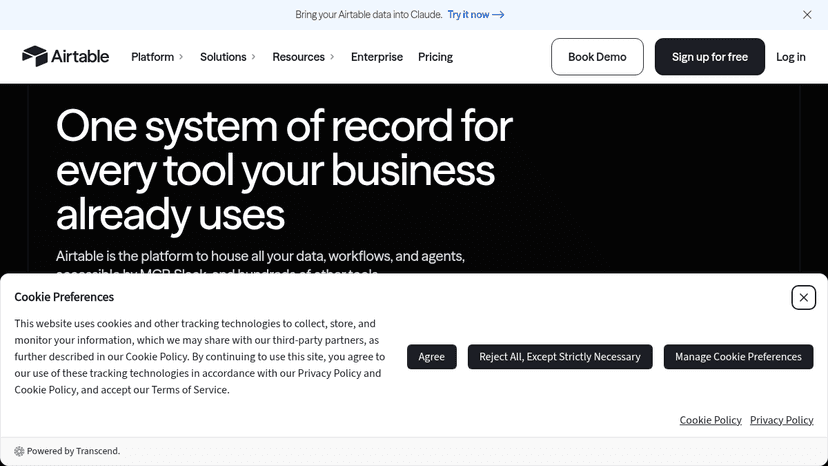
Build AI-powered workflows, custom business apps, and deploy agents at scale — no code required. Connect teams, data, and tools in one workspace.
Tool Comparisons(100+)
View all 100+ comparisonsSoftware Alternatives(36)
View all 36 alternativesAlternatives to 1PhotoAI
Turn a single selfie into 2000+ AI photo styles — get professional headshots, avatars, and Ghibli art in 10 seconds
Alternatives to AI Girl
Alternatives to AI-ME
Alternatives to ArtGuru.ai
Enhance photos to 8K, restore old memories, clarify videos and PDFs, and remove backgrounds — all in one click with professional-grade AI.
Alternatives to Chamaileon
Build sophisticated email campaigns 90% faster with a no-code drag-and-drop builder — scale production, ensure brand consistency, and boost marketing ROI.
Alternatives to Copy.ai
Replace disconnected AI copilots and point solutions with one AI-native GTM platform that automates sales, marketing, and operations at scale
Categories(17)
View all 17 categoriesAI App Builder
Good AI app builders help turn a rough product idea into a working prototype without forcing every decision through a full development cycle. Tools like Lovable, Bolt, and Replit Agent can generate interfaces, connect basic logic, and revise features through plain-language prompts. A founder might describe a client portal, add authentication and a simple database, then test the workflow with users before hiring an engineering team. These tools are strongest when the scope is clear and the app follows familiar patterns. They become less reliable around complex permissions, unusual data models, performance constraints, and production security. Generated code still needs inspection, and polished screens can hide weak architecture. The real value is faster validation, not pretending software development has disappeared. A useful app builder gets you to an honest test sooner; a bad one just produces an impressive demo that collapses under real use.
AI Tools
Useful AI tools solve specific problems, not vague “productivity” fantasies. This category covers software that helps people write, research, code, design, analyze data, generate images, summarize documents, automate support, and build faster without pretending the work does itself. A marketer might use ChatGPT to draft campaign angles, Claude to clean up a long strategy document, and Midjourney to explore visual directions before handing the best ideas to a designer. The real value is not in replacing skill, but in reducing the slow parts around it: first drafts, repetitive edits, messy notes, blank screens, and tedious formatting. Good AI tools fit into an existing workflow without making every task feel like prompt engineering homework. Weak ones produce shiny output that still needs more fixing than starting from scratch. The best AI tools feel boring in the right way: dependable, focused, and useful after the novelty wears off.
Collaboration Tools
Useful collaboration tools keep decisions, files, feedback, and ownership from disappearing across chat threads and meetings. This category includes shared documents, whiteboards, project spaces, team messaging, and AI assistants that summarize discussions or pull action items from scattered context. Tools like Slack, Notion, and Miro each solve a different part of the problem, but the strongest setups connect conversation to actual work. A product team might run a planning session in Miro, capture decisions in Notion, then use an AI summary in Slack to assign follow-ups without replaying the entire meeting. The danger is tool sprawl: another workspace rarely fixes unclear roles or weak communication. Good collaboration software makes handoffs visible and gives everyone the same version of the truth. Bad collaboration software turns basic coordination into a scavenger hunt.
CSS Frameworks
Useful CSS frameworks set boundaries before styling turns into a pile of exceptions. They give developers a shared approach to spacing, grids, breakpoints, buttons, forms, and responsive behavior, which matters a lot once more than one person is touching the UI. Tailwind CSS, Bootstrap, and Bulma are common choices, but they push teams in different directions. Tailwind works well when you want control inside the markup. Bootstrap is still useful for fast internal tools and familiar interface patterns. A developer might build a pricing page with reusable cards, mobile-friendly columns, consistent button states, and a spacing scale that matches the rest of the app instead of hand-tuning every section. The risk is that the framework starts making design decisions nobody actually chose. A good CSS framework should give the team discipline, not make the product look rented.
Design Assets
Design asset tools are useful when a team needs usable visual material without starting every icon, mockup, background, or illustration from scratch. This category covers AI tools for generating brand graphics, UI elements, social visuals, product mockups, textures, image variations, and cleaned-up assets ready for a design system or campaign. Tools like Canva, Adobe Firefly, Midjourney, and Figma can help at different stages, but the real value comes from getting assets that fit the job instead of filling a folder with random pretty outputs. A designer might generate a set of abstract hero images for a SaaS landing page, pick the one that supports the message, then adjust colors, cropping, and spacing before it ever reaches production. The strongest tools make visual exploration cheaper and less precious. The weakest ones create asset libraries nobody wants to maintain.
Design Inspiration
Finding strong visual direction is easier when you can search, remix, and compare ideas instead of staring at a blank canvas. AI design inspiration tools help designers, founders, and marketers gather references for layouts, color palettes, typography, branding, UI patterns, and campaign visuals without falling into random moodboard chaos. A product designer might use a tool to generate five dashboard style directions, compare them against examples from Mobbin or Dribbble, then refine one into a cleaner concept before opening Figma. These tools are useful for early exploration, creative briefs, landing page concepts, app screens, social posts, and brand refreshes. The best ones do not replace taste; they give you more raw material to judge. Weak tools produce pretty noise, while good ones help you spot patterns, constraints, and visual decisions worth keeping. Inspiration is only useful when it makes the next design choice sharper.