Results for "developer"
245 matching results across tools, Boxes, comparisons, alternatives, and categories.
Tools(237)
View all 237 tools
Discover Aurora Editor, a community-built IDE for macOS offering native performance and advanced features. Explore its capabilities, pricing, and bene...

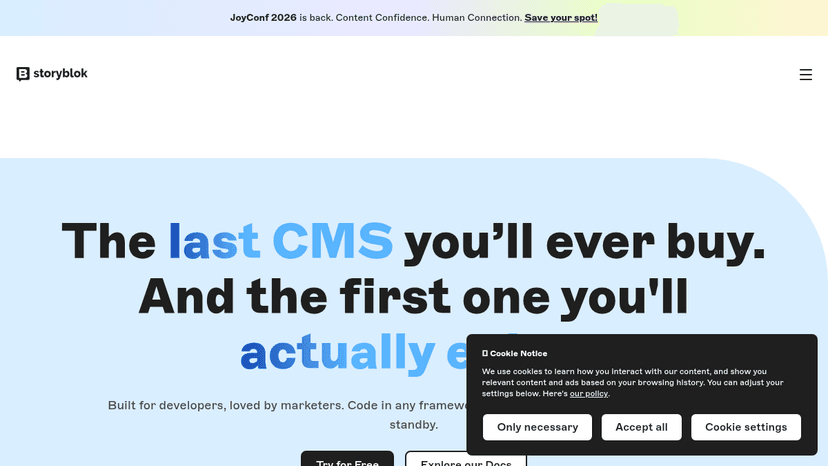
Built for developers, loved by marketers — code in any framework, edit and publish without a developer on standby

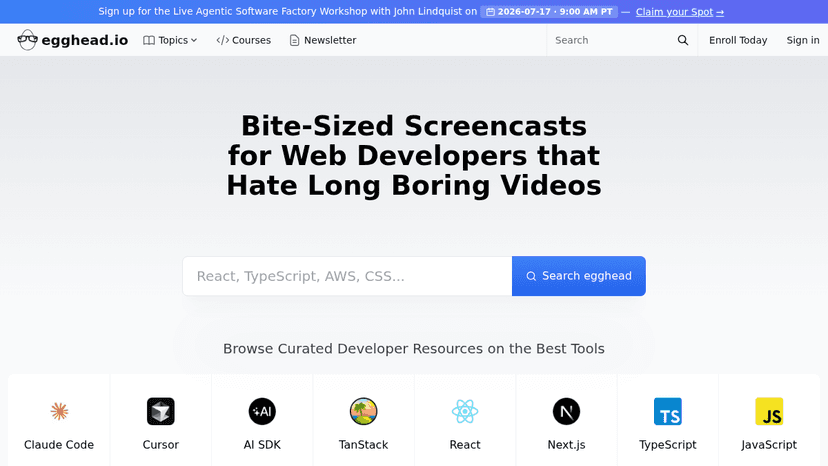
Learn modern web development through short, expert-led screencasts covering React, TypeScript, Next.js, Three.js, and AI developer tools

A launchpad for dev tools where developers vote, discover, and get featured — built by developers, open source, and fair.

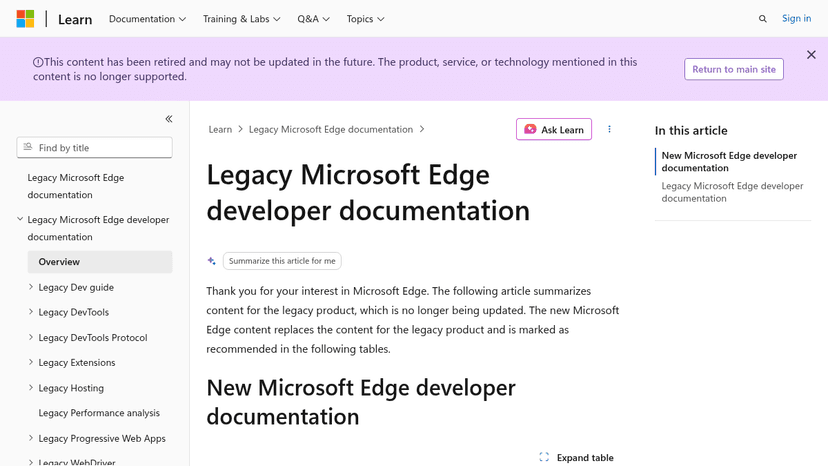
Reference documentation for the deprecated EdgeHTML browser — covers DevTools, extensions, WebView, WebDriver, PWAs, and JavaScript runtime hosting fo...

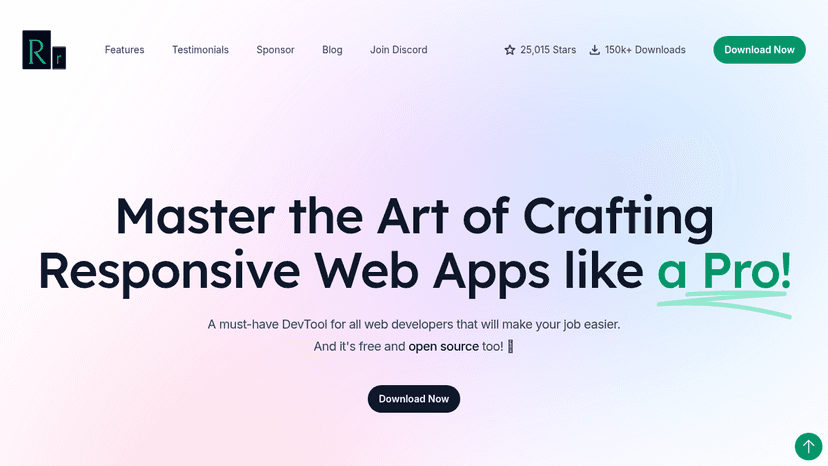
A free and open-source browser for web developers to preview responsive designs across multiple devices simultaneously, with mirrored interactions and...
Tool Comparisons(2)
Categories(6)
CSS Frameworks
Useful CSS frameworks set boundaries before styling turns into a pile of exceptions. They give developers a shared approach to spacing, grids, breakpoints, buttons, forms, and responsive behavior, which matters a lot once more than one person is touching the UI. Tailwind CSS, Bootstrap, and Bulma are common choices, but they push teams in different directions. Tailwind works well when you want control inside the markup. Bootstrap is still useful for fast internal tools and familiar interface patterns. A developer might build a pricing page with reusable cards, mobile-friendly columns, consistent button states, and a spacing scale that matches the rest of the app instead of hand-tuning every section. The risk is that the framework starts making design decisions nobody actually chose. A good CSS framework should give the team discipline, not make the product look rented.
Design Systems
A well-built design system keeps product teams from redrawing the same button, debating spacing rules, and shipping slightly different versions of the same interface. These tools organize reusable components, design tokens, usage guidelines, accessibility notes, and coded examples so designers and developers work from a shared source. Figma, Storybook, and Zeroheight are commonly used across different parts of that process. A team might update a primary button’s color token once, review the change in Storybook, and apply it across every product without fixing screens one by one. AI can help document components, detect inconsistencies, and suggest missing states, but it cannot decide which patterns deserve to become standards. A design system should make intentional work easier, not turn every interface into a rigid assembly line. The strongest systems reduce needless variation while leaving room for product-specific judgment; the weakest are component libraries nobody trusts.
Design-to-Code
Design-to-code tools convert interface files into usable front-end code, giving teams a faster starting point than rebuilding every layout by hand. Tools like Anima, Locofy, and Builder.io can translate Figma designs into React, HTML, CSS, or other framework-specific output while preserving components, spacing, and responsive behavior. A developer might import a finished dashboard, generate the initial component structure, then replace awkward markup and connect it to real application data. That last step matters: exported code often looks convincing but still needs cleanup, accessibility checks, state handling, and architectural judgment. These tools work best when the source design uses consistent components and sensible naming. A chaotic design file usually produces chaotic code with better formatting. The strongest design-to-code tools remove repetitive setup without pretending the handoff is finished. Production quality still depends on what happens after the export button.
Developer Tools
The best AI developer tools fit into the loop developers already live in: reading code, changing it, testing it, reviewing the diff, and figuring out why something broke. They help explain unfamiliar repos, write unit tests, generate small chunks of boilerplate, debug failing builds, and clean up code that has grown awkward over time. Tools like GitHub Copilot, Cursor, and Replit are useful when they understand enough context to act like a careful pair programmer instead of a snippet generator. A frontend developer might paste in a tangled React component, ask for smaller hooks and better test coverage, then inspect the diff before merging. That is the right bargain: less grunt work, no outsourcing of judgment. Weak tools encourage copy-paste confidence. Strong ones make the next commit easier to understand, review, and maintain. If a tool cannot explain its change clearly, it should not be anywhere near production code.
Frontend Development
Frontend development tools are most useful when they sit close to the actual work: writing components, fixing layout bugs, reviewing state logic, and turning rough UI ideas into usable code. AI tools in this category can help generate React components, explain unfamiliar codebases, convert designs into HTML and CSS, or refactor a messy form before it ships. Tools like Cursor, v0, and GitHub Copilot are common choices, especially when developers want faster iteration without giving up control of the code. A frontend engineer might paste in a clunky dashboard component, ask for cleaner responsive behavior, then review the output line by line before committing anything. The good tools make reasonable guesses and expose their logic. The bad ones hide complexity behind confident snippets. Frontend still rewards taste, restraint, and a sharp eye for broken edge cases.
Version Control
Version control systems are software tools that track and manage changes to files, code, and digital projects over time. These platforms create a complete history of modifications, allowing teams to understand what changed, when it changed, and who made each change. Version control systems enable developers, technical teams, and collaborative projects to maintain organized repositories of their work while preventing accidental data loss and conflicts. The primary use cases for version control include software development, where teams coordinate code changes across multiple developers and branches. These tools also support documentation management, configuration file tracking, and content collaboration. Key features typically include branching and merging capabilities, conflict resolution mechanisms, rollback functionality to previous versions, and audit trails for compliance purposes. Version control systems serve several audiences: software development teams use them to coordinate work efficiently, individual developers benefit from backup and recovery capabilities, DevOps teams leverage them in continuous integration and deployment pipelines, and organizations utilize them for regulatory compliance and accountability. Both distributed systems like Git and centralized architectures serve different organizational needs, making version control essential infrastructure for any team managing digital assets or collaborative projects where change tracking and coordination are critical requirements.