Results for "workflow"
253 matching results across tools, Boxes, comparisons, alternatives, and categories.
Tools(250)
View all 250 tools

AI workflow automation for businesses — service ended in September 2026, with all accounts, workflows, and run history permanently deleted
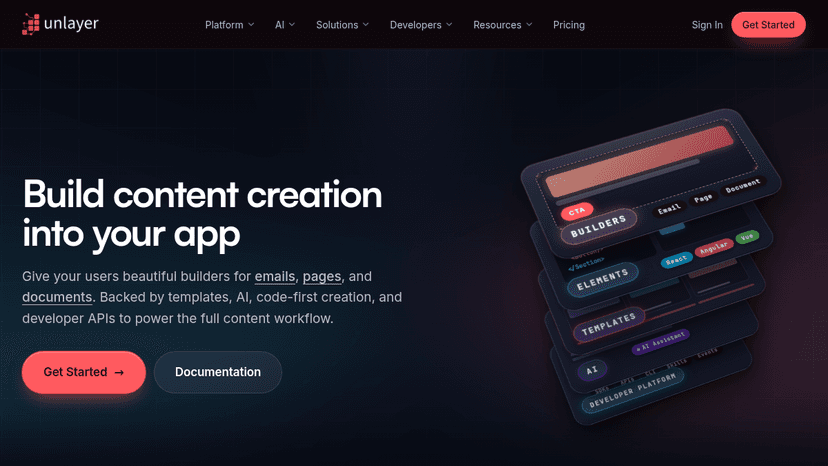
Embed visual builders for emails, pages, and documents into your app — backed by AI workflows, templates, code-first Elements, and developer APIs for ...

Automate business workflows and orchestrate AI Agents with no-code tools, natural language prompts, and enterprise-grade governance — cutting manual w...

Build production-ready agentic workflows, RAG pipelines, and AI agents on a visual canvas, then deploy on cloud, in your VPC, or self-hosted.

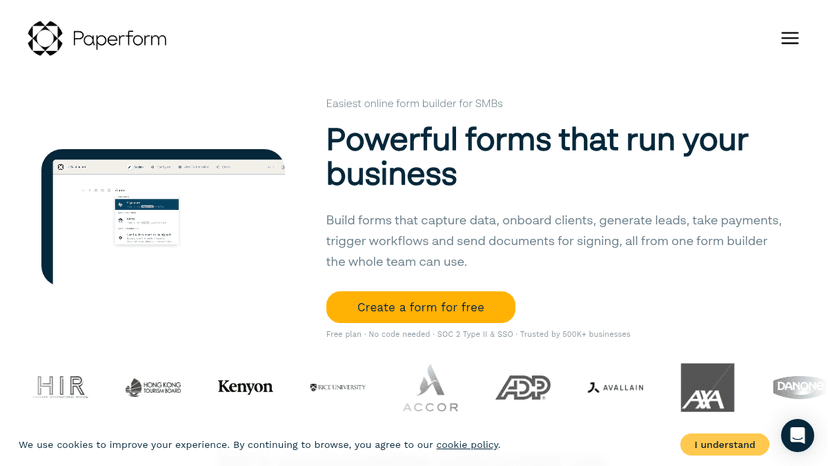
Build forms that capture data, onboard clients, generate leads, take payments, trigger workflows and send documents for signing — all from one doc-sty...

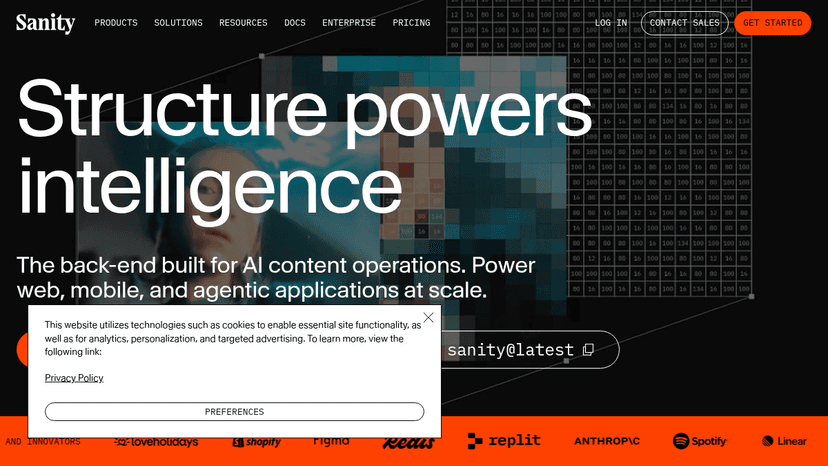
The Content Operating System for the AI era — power content applications, AI workflows, and agentic actions from a single structured content platform.
Categories(3)
AI App Builder
Good AI app builders help turn a rough product idea into a working prototype without forcing every decision through a full development cycle. Tools like Lovable, Bolt, and Replit Agent can generate interfaces, connect basic logic, and revise features through plain-language prompts. A founder might describe a client portal, add authentication and a simple database, then test the workflow with users before hiring an engineering team. These tools are strongest when the scope is clear and the app follows familiar patterns. They become less reliable around complex permissions, unusual data models, performance constraints, and production security. Generated code still needs inspection, and polished screens can hide weak architecture. The real value is faster validation, not pretending software development has disappeared. A useful app builder gets you to an honest test sooner; a bad one just produces an impressive demo that collapses under real use.
AI Tools
Useful AI tools solve specific problems, not vague “productivity” fantasies. This category covers software that helps people write, research, code, design, analyze data, generate images, summarize documents, automate support, and build faster without pretending the work does itself. A marketer might use ChatGPT to draft campaign angles, Claude to clean up a long strategy document, and Midjourney to explore visual directions before handing the best ideas to a designer. The real value is not in replacing skill, but in reducing the slow parts around it: first drafts, repetitive edits, messy notes, blank screens, and tedious formatting. Good AI tools fit into an existing workflow without making every task feel like prompt engineering homework. Weak ones produce shiny output that still needs more fixing than starting from scratch. The best AI tools feel boring in the right way: dependable, focused, and useful after the novelty wears off.
Productivity
Productivity software comprises tools designed to help individuals and organizations work more efficiently and accomplish tasks systematically. This category includes applications for project management, time tracking, note-taking, document collaboration, task organization, and workflow automation. Common types of productivity tools include project management platforms that coordinate team efforts across multiple initiatives, document editors that enable real-time collaboration on files and spreadsheets, and communication systems that streamline information sharing. Calendar and scheduling applications help users manage time commitments, while task management software tracks action items and deadlines. Note-taking applications serve as digital repositories for information capture and organization. Productivity software benefits a wide range of users. Remote and distributed teams rely on these tools to maintain alignment across locations. Freelancers and small business owners use them to manage clients, projects, and finances. Corporate environments implement productivity solutions to standardize workflows and improve operational efficiency. Students utilize these tools for research organization and academic project management. The primary value of productivity software lies in reducing friction during work processes, minimizing duplicate efforts, and providing visibility into project status and resource allocation. These tools help users prioritize activities, meet deadlines, and maintain accountability while working independently or as part of larger teams.