
About Animaker | Animation Maker for Beginners & Pros (Start Free)
Overview
Animaker is an online animation platform that lets anyone create studio-quality animated videos in minutes from a single text prompt, without prior animation or design experience. Marketers, trainers, and Fortune 500 teams use it to produce explainer, training, promo, and onboarding videos at scale, and more than 35 million creators have created with the platform.
Founded in 2014, Animaker grew from an internal tool into a full creative suite that also includes Steve.ai and Picmaker. The platform has been recognized as G2's top-rated design product and voted the No. 1 Best Design Product in the world, with over 1,000 G2 reviews.
Key Benefits
- Generate a studio-quality animated video from a single text prompt
- Build billions of unique animation characters with the character builder
- Add AI voiceovers with 1,800+ human-like voices across 200+ languages
- Translate videos into 100+ languages with a single click
- Access 100M+ stock media, 70K+ icons, and 30K+ music tracks and stickers
- Export finished videos as MP4, GIF, or WebM up to 4K resolution
How It Works
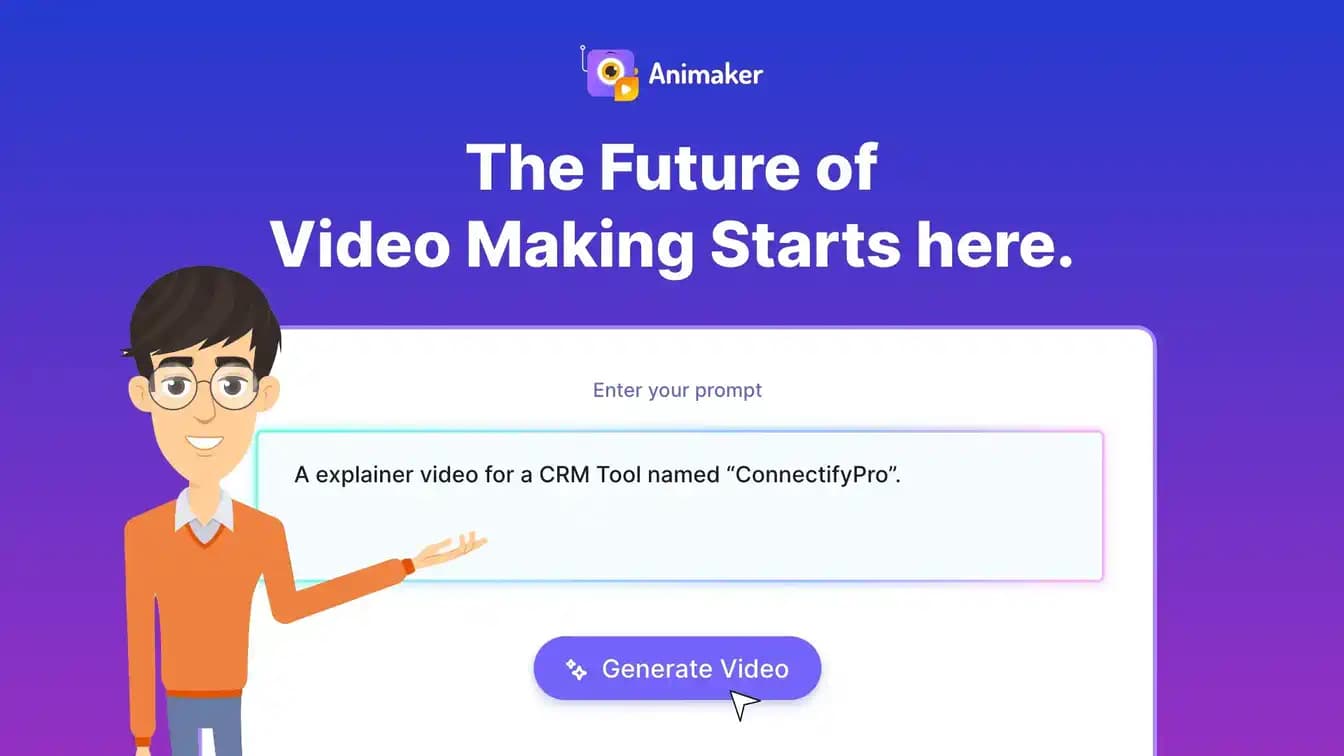
Users enter their video idea or prompt and choose a category such as explainer, educational, intro, or product demo. They converse with the AI to help it understand their vision, then review the generated video complete with scenes, characters, voiceover, lip sync, and transitions. Advanced Edit provides full creative control, and finished videos export as MP4, GIF, or WebM up to 4K or publish directly to social channels.
Use Cases
- L&D course creators turn complex concepts into engaging animated learning modules
- HR teams produce onboarding, orientation, and compliance videos without outside help
- Marketers and sales professionals create videos that drive internal and external impact
- Internal communications teams guide colleagues with well-crafted animated updates
- Individuals make birthday wishes, wedding invites, and personal resumes
Why Choose This Product
Animaker combines text-to-animation generation, a custom character builder, AI voiceovers, and one-click translation in a single tool that requires no technical skill. The platform highlights top-tier security and industry recognition, with customers like GSK reporting over 2,000 videos created and 1.4 million dollars saved.
Key Features
Text-to-animation
Turns a text prompt into a complete studio-quality animated video with scenes, characters, voiceover, lip sync, and transitions.
Whiteboard animation
AI-powered whiteboard animation transforms complex ideas into compelling visual explanations that boost engagement.
AI infographics
Converts statistics into AI-generated visuals to turn stories into data-driven visuals and support decisions.
AI voice generator
Turns text into lifelike voiceovers with 1,000+ voices in 100+ languages, powered by providers like ElevenLabs, Microsoft, and Google, with auto lip sync.
One-click translation
Translates video projects into 100+ languages with a single click to reach worldwide audiences.
AI asset generator
Generates description-accurate images, backgrounds, and props from text prompts.
AI subtitle generator
Adds auto-generated subtitles with 20+ animations and translates them into over 100 languages.
Character builder
Builds billions of unique animation characters spanning adults, kids, infants, and plus-size body types.
Real-time collaboration
Lets friends and colleagues craft videos together in real time within the editor.
Brand Kit
Maintains brand consistency across all videos with reusable brand assets.
Animaker | Animation Maker for Beginners & Pros (Start Free) Pricing
Pricing extracted from the product website and may change. Check the source for current details.
Frequently asked questions about Animaker | Animation Maker for Beginners & Pros (Start Free)
What is Animaker?
Animaker is an online animation platform that enables anyone to create studio-quality animated videos in minutes using a single text prompt, without prior animation or design experience.
How to use Animaker?
To create an animated video, log in to Animaker, enter your idea as a text prompt, and let the AI generate a studio-quality animated video with animated characters, properties, and voiceovers. If you want to refine it further, you can use the Advanced Edit feature. You can also refer to the detailed walkthrough to learn how to create a video with Animaker.
How much does Animaker cost?
Animaker offers a free plan for getting started with animation. In addition, Animaker offers four premium plans: Basic, Starter, Pro, and Enterprise, with advanced features. Check the pricing page for more details.
Is Animaker free?
Yes, Animaker is free to use. The free plan lets you create and download animated videos with basic animation tools, limited premium assets, and watermarked exports. In addition, Animaker offers four premium plans: Basic, Starter, Pro, and Enterprise, with advanced features.
What features does Animaker offer?
Animaker offers AI-powered tools like text-to-animation, whiteboard and infographic videos, a custom character builder, AI voiceovers, AI translation, and auto-subtitles in multiple languages. It also includes over 1,000 templates, millions of stock assets, live collaboration, and 4K exports to help create professional animated videos.
Does Animaker support AI voiceovers?
Yes, Animaker supports AI voiceovers. It includes a built-in AI voice generator that converts text into natural-sounding voiceovers in over 180 languages and accents. You can choose from multiple AI voices, adjust tone and speed, and automatically sync narration with your project scenes.