About Jekyll
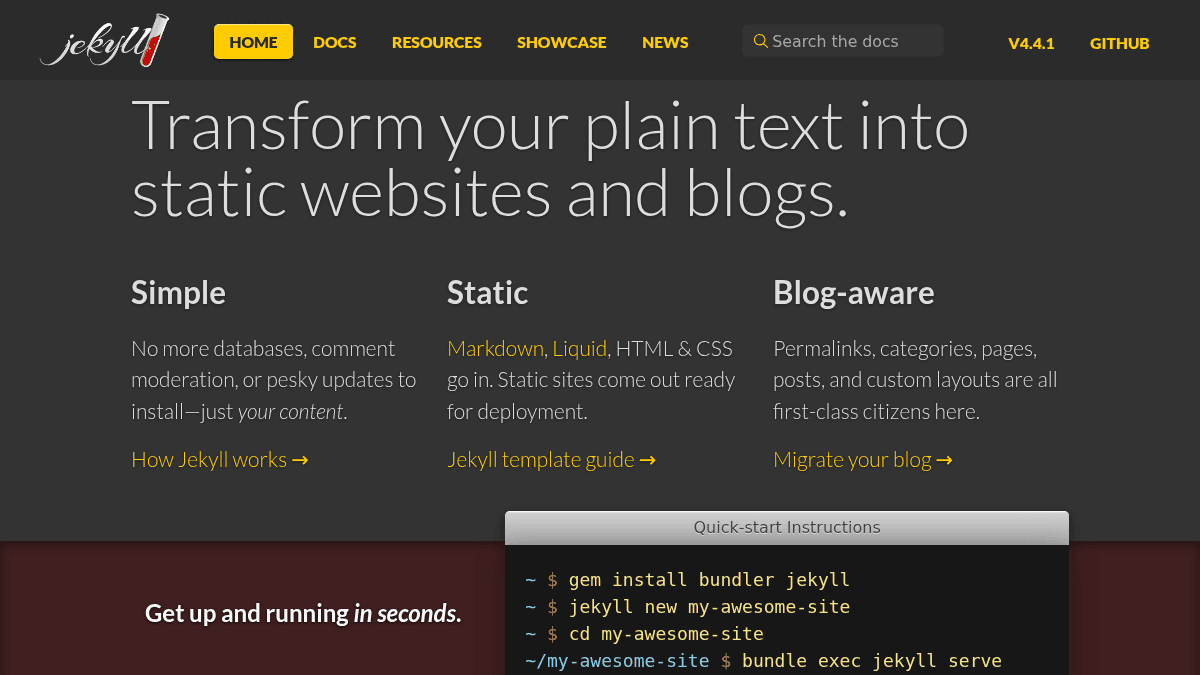
Overview Jekyll is a static site generator that transforms plain text files into static websites and blogs. It removes the need for databases, comment moderation, or software updates, letting users focus entirely on content. Markdown, Liquid, HTML, and CSS go in, and a ready-to-deploy static site comes out. It targets writers, developers, and anyone who wants a fast, no-database website without managing hosting infrastructure. Key Benefits No databases, comment moderation, or software updates required — just your content. Output is pure static HTML, CSS, and JavaScript, ready for deployment anywhere. Blog-aware features include permalinks, categories, pages, posts, and custom layouts. Free hosting is available through GitHub Pages, including custom domain name support. Setup takes seconds using gem install bundler jekyll and a single jekyll new command. How It Works You run gem install bundler jekyll in your terminal, then jekyll new my-awesome-site to scaffold a new project. After cd my-awesome-site, you run bundle exec jekyll serve, which builds the static site and serves it at http://localhost:4000 for local development. Use Cases Bloggers who want a fast, database-free site without managing a CMS. Developers who need a static project site or documentation page hosted on GitHub Pages. Designers who want full control over HTML, CSS, and Liquid templates without a backend. Open-source project maintainers who publish documentation directly from a GitHub repository. Students learning web development who want hands-on experience with Markdown, Liquid, and static site generation. Why Choose This Product Jekyll is best suited for anyone comfortable with plain text and the command line who values speed, simplicity, and free hosting via GitHub Pages. It is not a visual CMS, so it does not offer a browser-based editor or drag-and-drop page builder — all content is managed through text files and templates.
Jekyll Pros & Cons
- Free and open source under MIT License
- Free hosting via GitHub Pages with custom domain support
- Blog-aware with built-in permalinks, categories, and layouts
- Setup in seconds using command-line tools
- Actively maintained by core team of volunteers
Key Features
Content-first simplicity
Jekyll removes database requirements, comment moderation, and software installation steps — your content is all you need.
Static site output
Input formats such as Markdown, Liquid, HTML, and CSS are accepted, and the output is a fully static site ready to deploy.
Blog-aware structure
Permalinks, categories, pages, posts, and custom layouts are built-in and treated as first-class features.
Quick-start setup
Setup takes seconds using gem install bundler jekyll and jekyll new commands, with local preview at localhost:4000.
Free GitHub Pages hosting
Sites can be deployed for free on GitHub Pages, including custom domain name support.
Jekyll Pricing
- Free static site generation
- No database required
- Custom domain support through GitHub Pages
- MIT License — open source
Pricing extracted from the product website and may change. Check the source for current details.
Frequently asked questions about Jekyll
Is Jekyll free?
Yes — Jekyll is free to use. See the pricing section for any optional add-ons.
How much does Jekyll cost?
Jekyll offers the following plans: Free. See the pricing section for what's included in each tier and any per-seat or usage-based costs.
What platforms does Jekyll support?
Jekyll is available on: Web, macOS, Windows, Linux.